


klority alternative to Atlassian: The Cost and Complexity Showdown
klority replaces the sprawling Atlassian suite (Jira, Confluence, Trello) with one unified platform at a fraction of the cost. For a 50-person team, klority's Pro plan costs $1,200/year versus Atlassian's $10,000+ for equivalent tools. klority offers unlimited projects, native docs, and real-time collaboration without per-user fees or add-ons. Migrating is a one-click import from Jira and Confluence. If you're tired of paying for complexity you don't use, klority delivers the same workflows with 80% less overhead.
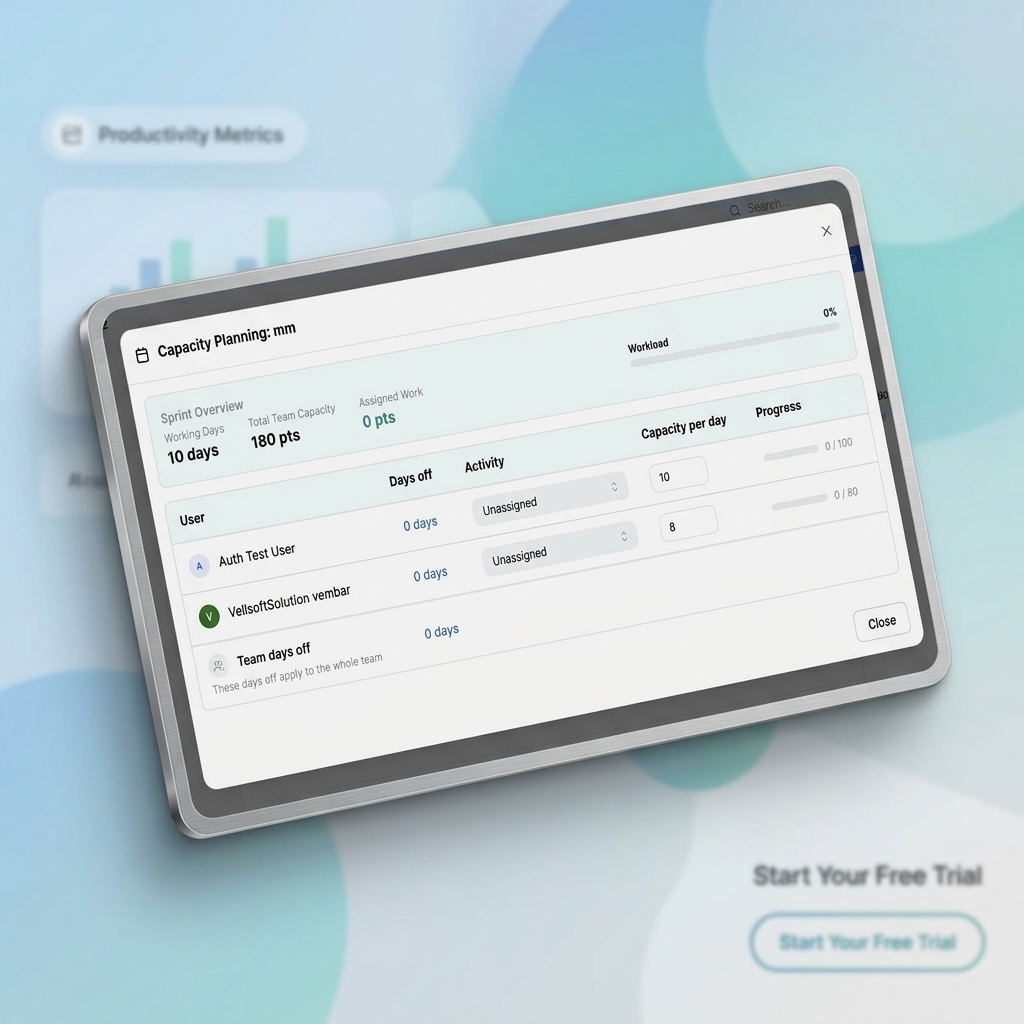
Feature comparison matrix
| Feature | klority | Atlassian | Why it matters |
|---|---|---|---|
| Pricing model | Flat per-team pricing, unlimited users | Per-user pricing with add-ons | Flat pricing means predictable costs as you scale. |
| Project management | Kanban, Scrum, and Gantt in one view | Jira for Scrum, Trello for Kanban, separate tools | One tool for all methodologies reduces context switching. |
| Documentation | Built-in docs with real-time co-editing | Confluence requires separate subscription | Docs are included, not an add-on. |
| Custom fields | Unlimited custom fields on all plans | Limited on lower tiers, extra cost for advanced | No paywalls for essential customization. |
| Automation | Visual automation builder, 1,000 runs/month included | Automation limits vary by plan, extra cost for more | Automation is generous out of the box. |
| Onboarding | One-click import from Jira/Confluence | Manual setup, complex configuration | Switch in minutes, not weeks. |
| Support | 24/7 chat support on all plans | Support tiers based on plan level | Help is always available without upgrade. |
Why teams switch from Atlassian to klority
Teams don't leave Atlassian because the tools are bad. They leave because the cost and complexity spiral out of control. Here are the concrete reasons we hear every day:
Cost overruns: Atlassian prices per user, per product. A 50-person team using Jira and Confluence pays roughly $8,100/year. klority charges a flat $1,200/year for the same team, saving $6,900 — an 85% reduction.
Tool sprawl: Jira, Confluence, Trello, Bitbucket, Opsgenie — each requires separate login, separate admin, separate billing. klority unifies project management, docs, and collaboration in one place.
Hidden add-ons: Atlassian charges extra for advanced roadmaps, automation, and even some integrations. klority includes these features on every paid plan.
Migration pain: Moving from Jira to another tool is notoriously hard. klority's one-click importer brings over your projects, issues, and Confluence pages in minutes.
Admin overhead: Managing user licenses, permissions, and product settings across multiple Atlassian products eats hours each month. klority's single admin console cuts that to near zero.
These aren't edge cases. They're the standard experience for any growing team on Atlassian.
Pricing: The flat-rate advantage
Atlassian's pricing model is per-user, per-product. That means every time you hire, your bill grows. And if you need Confluence for docs, you're paying twice. klority's flat pricing is a single annual fee based on team size, with unlimited users on every plan.
What you actually pay
For a 50-person team, here's the math:
Atlassian: Jira Standard at $7.75/user/month = $4,650/year. Confluence Standard at $5.75/user/month = $3,450/year. Total: $8,100/year.
klority Pro: $1,200/year flat. That's 85% less.
Even if you only use Jira, klority is 74% cheaper. And klority includes features that Atlassian charges extra for, like advanced roadmaps and automation.
No per-user surprises
With Atlassian, adding 10 new hires means an extra $1,620/year. With klority, you pay nothing extra. Your cost stays flat until you cross a team-size threshold.
Project management: One tool, all methodologies
Atlassian forces you to choose between Jira (Scrum) and Trello (Kanban). klority gives you both, plus a Gantt timeline, in a single view. You can switch between board types without migrating data or learning a new interface.
Custom fields without paywalls
Jira's lower tiers limit custom fields and require a paid upgrade for more. klority offers unlimited custom fields on every plan, so you can track exactly what your team needs without extra cost.
Automation built in
Atlassian's automation is powerful but limited by plan — you pay more for more runs. klority includes 1,000 automation runs per month on the free plan and 10,000 on Pro, with a visual builder that's easier than Jira's rule engine.
Documentation: Confluence without the extra bill
Confluence is a separate subscription, and its editor feels dated. klority's built-in docs support real-time co-editing, markdown, and live embeds of your projects. No more copying links between Jira and Confluence — everything lives in one place.
Migration from Confluence
klority's importer handles Confluence pages, attachments, and even page hierarchy. Your team can start editing in klority the same day.
Who this is actually for
klority is ideal for three types of teams:
Startups and SMBs (10-100 people): You need powerful project management without enterprise pricing. klority's flat rate keeps costs predictable as you grow.
Teams tired of tool sprawl: If you're juggling Jira, Confluence, and Trello, klority replaces all three with one subscription.
Budget-conscious product teams: You want the features of Jira Premium without the $20+/user/month price tag. klority delivers comparable functionality at a fraction of the cost.
Migration: How to switch in a day
Switching to klority is designed to be painless. Here's the step-by-step:
Sign up for klority at klority.com — start with a free trial.
Use the importer: Connect your Jira and Confluence accounts. klority pulls over projects, issues, sprints, and pages.
Map your fields: klority automatically maps common fields. You can adjust custom fields in minutes.
Invite your team: They'll get an email with a magic link. No password changes needed.
Cancel Atlassian: Once everyone's in, cancel your Atlassian subscriptions and save thousands.
Most teams complete the migration in under a day. You can even run both tools in parallel during the transition.
Ready to switch?
klority is built for teams that want to stop overpaying for software. With a flat rate, unified workspace, and a migration path that takes hours, the choice is clear. Start your free trial today and see why teams are making the switch. This comparison was published with Alt Hunt.
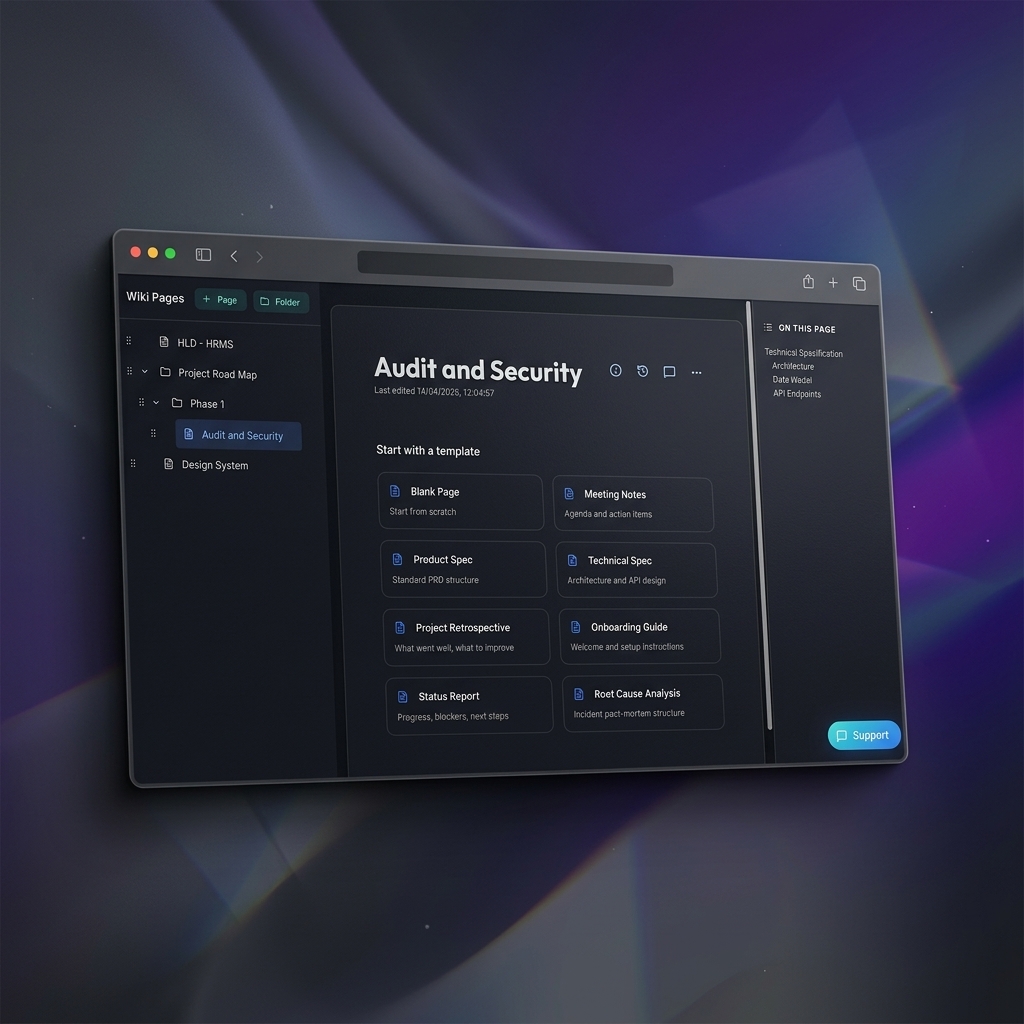
Pricing breakdown
| Plan | klority | Atlassian |
|---|---|---|
| Free | $0 for 1 user, unlimited projects | $0 for up to 10 users (Jira), but limited features |
| Pro (50 users) | $2$/user/month (yearly) | Jira $7.75/user/mo + Confluence $5.75/user/mo = $8,100/year |
| Enterprise (200 users) | $2$/user/month (yearly) | Jira+Confluence ~$32,400/year, plus add-ons |
Illustrative pricing — verify current figures before relying on this.
Ready to try klority?
Visit klority.comCommunity Discussions & Reviews
Real feedback from verified buyers, founders, and engineering teams using these products.