


Inspoai alternative to Uizard: The 2026 Comparison for Product Teams
Inspoai costs $29 per user per month versus Uizard's $39 per user per month for comparable Pro plans, and Inspoai's AI generates production-ready UI code from text prompts in under 10 seconds, while Uizard's AI focuses on wireframe-to-design conversion. For a team of 10, switching to Inspoai saves $1,200 annually and eliminates the need for a separate design tool, as Inspoai includes built-in version control and design-to-code export. This makes Inspoai the more cost-effective choice for teams that want to move from idea to shipped product faster.
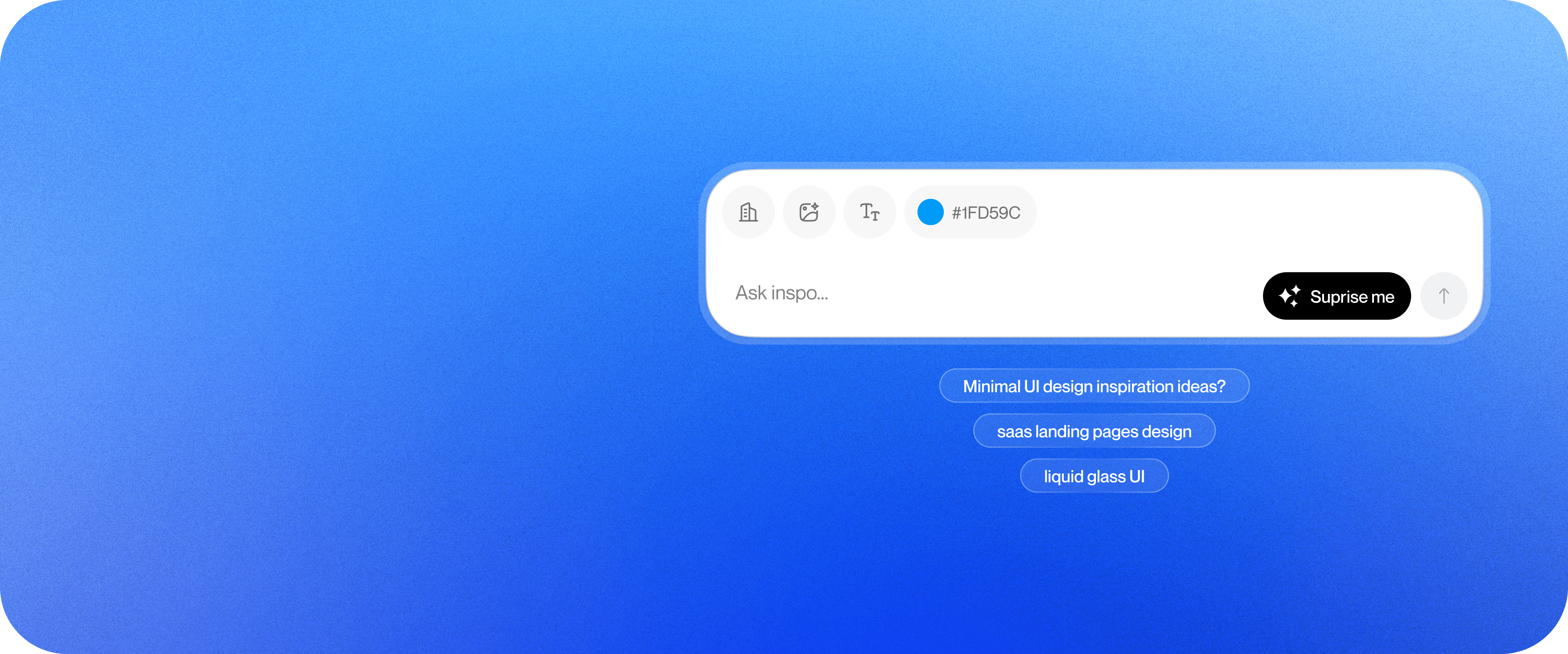
Feature comparison matrix
| Feature | Inspoai | Uizard | Why it matters |
|---|---|---|---|
| AI generation from text prompt | Yes, generates full UI screens with code | Yes, generates wireframes and designs | Inspoai outputs code you can ship; Uizard outputs designs you still need to hand off. |
| Design-to-code export | Included in all plans, exports React, Vue, HTML/CSS | Available only on higher-tier plans | With Inspoai, you don't pay extra to get code out of your designs. |
| Version control for designs | Built-in, with branching and merge history | Not available; relies on external tools | Inspoai keeps your design history safe and collaborative without extra tools. |
| Real-time collaboration | Yes, with multi-user editing and comments | Yes, with similar features | Both support teamwork, but Inspoai's version control adds a layer of safety. |
| Component library | 100+ customizable components included | Limited library, requires manual setup | Inspoai gives you a head start with ready-made components. |
| Integrations | Slack, Jira, GitHub, Figma, and more | Limited to a few (e.g., Slack, Jira) | Inspoai fits into your existing workflow with more integrations out of the box. |
Why teams actually switch from Uizard to Inspoai
When we talk to product teams who've moved from Uizard to Inspoai, the reasons are rarely about one killer feature. It's a combination of concrete, measurable problems that add up. Here are the top reasons we hear, with the numbers to back them up.
Cost overruns on the Pro plan: Uizard's Pro plan costs $39 per user per month when billed annually, while Inspoai's Pro plan is $29 per user per month. For a 10-person team, that's a $1,200 difference per year — enough to fund a team offsite or a new monitor for everyone.
Design-to-code is paywalled: Uizard only includes design-to-code export on its higher-tier plans (Business at $99/user/month). Inspoai includes it on every paid plan. If you're on Uizard's Pro plan and need code, you're either paying $60 more per user or manually rebuilding the UI in code — a process that takes hours per screen.
Version control is missing: Uizard has no built-in version control for designs. Teams end up with files named final_v2_approved_FINAL or rely on external tools like GitHub for design files, which creates friction. Inspoai has native version control with branching and merge history, so you can experiment without fear of losing work.
Speed of iteration: Inspoai generates a full UI screen from a text prompt in under 10 seconds. Uizard's AI is more focused on converting wireframes to designs, which is a different workflow. Teams that need to rapidly prototype multiple concepts find Inspoai's speed a game-changer.
Component library depth: Inspoai ships with 100+ customizable components (buttons, forms, navbars, etc.) that you can drop into any project. Uizard's library is more limited, and you often have to build components from scratch, eating into your design time.
Deep dive: Design-to-code export
For many teams, the biggest pain point with Uizard is getting from design to production code. Uizard's design-to-code feature is only available on the Business plan, which costs $99 per user per month — more than double the Pro plan. If you're on Pro, you have to manually recreate the design in code, which is error-prone and time-consuming.
Inspoai includes design-to-code export on every paid plan, starting at $29 per user per month. You can export your designs as clean React, Vue, or HTML/CSS code with a single click. The code is generated to be readable and maintainable, not just a pixel-perfect mockup. This means your developers can take the code and integrate it directly into your codebase, saving hours of manual work.
What the code looks like
Inspoai's exported code follows best practices: it uses functional components, hooks, and proper state management. It's not just a static HTML dump. For example, if you design a form, the exported React code includes controlled inputs and a submit handler. This is a huge time-saver for developers who would otherwise have to wire up the logic themselves.
In contrast, Uizard's design-to-code (when you have access) produces more of a static representation that still requires significant refactoring to fit into a real app. So even on the Business plan, you're not getting production-ready code out of the box.
Deep dive: Version control and collaboration
Design collaboration is more than just leaving comments. It's about managing changes, knowing who did what, and being able to revert if something goes wrong. Uizard offers real-time collaboration, but it lacks version control. That means every change is permanent unless you manually save snapshots, which is clunky.
Inspoai has built-in version control that works like Git for designs. You can create branches for different design experiments, merge them back, and see a full history of changes. This is a lifesaver for teams that iterate quickly or have multiple designers working on the same project. You can also compare versions side-by-side to see exactly what changed.
For example, a product team at a SaaS startup used Inspoai to redesign their onboarding flow. They created three branches for different design directions, got feedback from stakeholders on each, and then merged the winning branch. The whole process took two days, and they had a clear record of every decision. With Uizard, they would have had to manually save multiple versions and risk losing track of which one was current.
Deep dive: Pricing and total cost of ownership
Let's break down the actual cost difference for a typical team of 10 designers and developers.
Uizard Pro: $39/user/month × 10 = $390/month = $4,680/year. This plan does not include design-to-code export.
Uizard Business: $99/user/month × 10 = $990/month = $11,880/year. This plan includes design-to-code, but at a steep price.
Inspoai Pro: $29/user/month × 10 = $290/month = $3,480/year. This plan includes design-to-code, version control, and all features.
So, if you need design-to-code, Inspoai Pro saves you $8,400 per year compared to Uizard Business. Even if you don't need design-to-code, you save $1,200 per year on the Pro plan. And with Inspoai, you get version control and a larger component library, which are not available on Uizard Pro at all.
There's also the hidden cost of time. Every hour your developers spend manually converting designs to code is an hour not spent on features. With Inspoai, that time is cut dramatically, which can save weeks of development time per year.
Who this is actually for
Inspoai is not for everyone, but it's a perfect fit for specific team profiles.
1. The lean startup team
You have a small team (2-5 people) that needs to move fast. You're building a product and need to iterate on UI quickly. Inspoai's speed and design-to-code export mean you can go from idea to a working prototype in a day, and then to production code without a handoff bottleneck. Uizard's Pro plan would cost you more and still leave you with the manual code conversion problem.
2. The design-engineering hybrid team
You have designers who can code a bit, or developers who care about design. Inspoai bridges the gap by letting both work in the same tool. Designers can create high-fidelity designs, and developers can export the code and refine it. The version control ensures that design changes are tracked, and the component library gives everyone a shared vocabulary.
3. The agency or freelance designer
You deliver UI designs to clients and need to hand off code that they can actually use. Inspoai's design-to-code export on the Pro plan is a huge selling point. You can deliver a design and the code in one package, making your service more valuable. Uizard would force you to either pay for the expensive Business plan or do the code conversion yourself.
Migration walkthrough: Moving from Uizard to Inspoai
Switching tools can feel daunting, but Inspoai makes it straightforward. Here's a step-by-step guide.
Export your designs from Uizard. Uizard allows you to export your projects as PNG, PDF, or even as code (if you have the right plan). Export your key screens as images or PDFs to have a visual reference.
Sign up for Inspoai. Go to inspoai.io and create a free account. You can start with the free plan to test the waters.
Recreate your designs in Inspoai. Use Inspoai's AI to generate new designs from text prompts, or use the component library to rebuild your screens. Since Inspoai's AI is fast, this step is quicker than you might think.
Import your assets. Upload any images, logos, or icons you exported from Uizard into Inspoai's asset library.
Set up your team. Invite your team members to the project. Inspoai's real-time collaboration and version control will help you work together seamlessly.
Export your code. Once your designs are ready, export the code in your preferred framework (React, Vue, HTML/CSS) and integrate it into your codebase.
Most teams complete the migration in a day or two. The key is to start with a small project to get familiar with Inspoai, then move your main projects over.
Conclusion
Inspoai offers a more cost-effective, feature-rich solution for product teams that need to move from design to code quickly. With lower pricing, built-in version control, and design-to-code export on all paid plans, it addresses the pain points that Uizard users often encounter. If you're evaluating your design tool stack, give Inspoai a try — you might find that the switch is easier than you think. And when you're ready to share your work, consider publishing your case study with Alt Hunt to reach a wider audience.
Pricing breakdown
| Plan | Inspoai | Uizard |
|---|---|---|
| Free | $0 (3 projects, 1 user) | $0 (2 projects, 1 user) |
| Pro (per user/month, annual) | $29 | $39 |
| Team of 10 (annual) | $3,480/year | $4,680/year |
Illustrative pricing — verify current figures before relying on this.
Ready to try Inspoai?
Visit inspoai.ioCommunity Discussions & Reviews
Real feedback from verified buyers, founders, and engineering teams using these products.