

Sendnow alternative to Docsend: The 2026 Comparison for B2B Teams That Send Documents
Sendnow is a document sharing and tracking platform that costs $29 per user per month, while Docsend charges $59 per user per month on its standard plan. For a 10-person sales team, that's a $3,600 annual difference. Sendnow includes unlimited document views, real-time analytics, and native HubSpot integration at no extra cost, whereas Docsend's comparable features require higher-tier plans. If you're paying for document tracking and want to cut costs without losing functionality, Sendnow is the direct alternative.
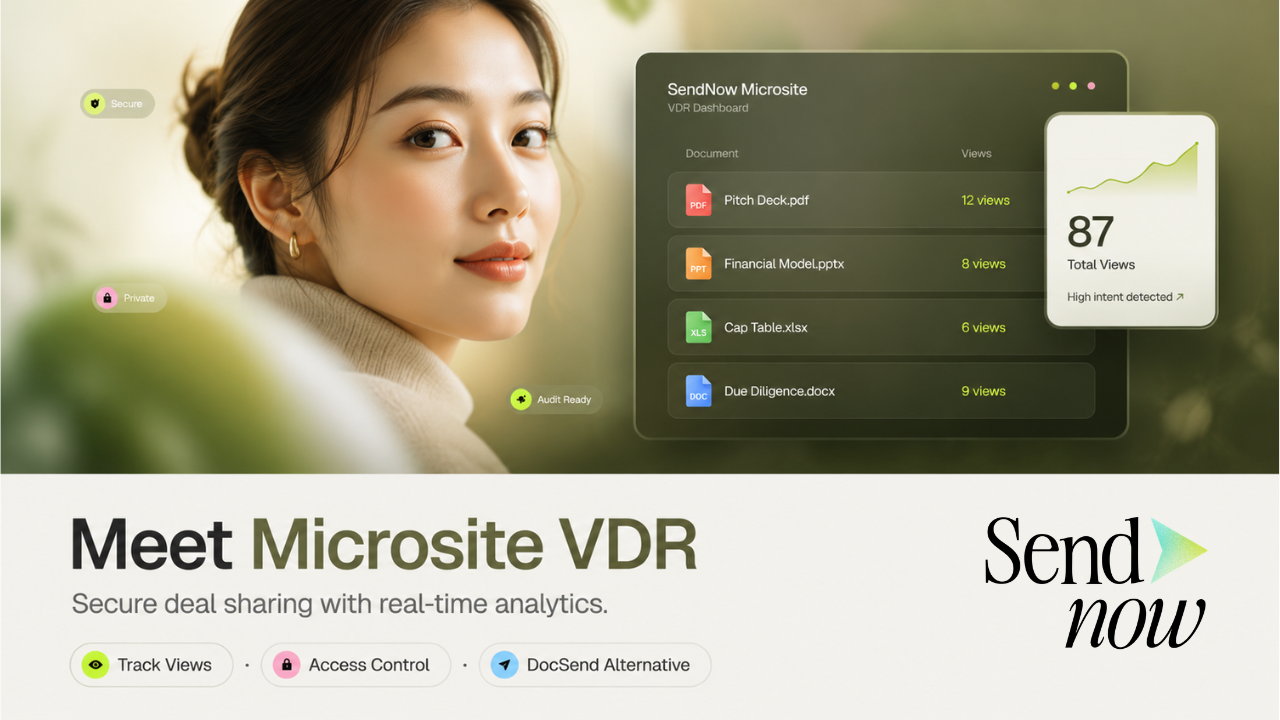
Feature comparison matrix
| Feature | Sendnow | Docsend | Why it matters |
|---|---|---|---|
| Document tracking (views, time spent, location) | Included on all plans, unlimited | Included on all plans, but limited to 25 documents on the basic plan | You don't hit a document cap with Sendnow, so your whole team can track without worrying about limits. |
| Real-time analytics dashboard | Live dashboard with per-recipient activity feed | Available on Professional plan and above | Get the data you need without paying for a higher tier. |
| Native HubSpot integration | Included free on all plans | Available only on Business plan (higher cost) | Sync your document activity directly to your CRM without extra fees. |
| Custom branding (remove Sendnow logo) | Included on all paid plans | Available on Professional plan and above | Present a polished, on-brand experience from day one. |
| Document expiration and revoke access | Available on all plans | Available on all plans | Both offer this, but Sendnow includes it at no extra cost. |
| Email notifications and alerts | Customizable alerts on all plans | Basic alerts on all plans, advanced alerts on higher tiers | Tailor your notifications without upgrading. |
| API access | Included on all plans | Available on Business plan only | Automate your workflows without paying extra. |
Why buyers actually switch from Docsend to Sendnow
When we talk to teams that have made the move, the reasons are consistent and concrete. Here are the top ones, with numbers behind them.
Cost: 50% less per seat. Docsend's standard plan is $59 per user per month. Sendnow's equivalent is $29. For a 10-person team, that's $3,600 saved every year. On the professional tier, the gap widens: $99 vs. $49 per user, a $6,000 annual difference for the same team size.
Document limits on lower plans. Docsend's basic plan caps you at 25 tracked documents. Sendnow has no document caps on any plan. If your team sends more than 25 proposals a month, you're forced to upgrade with Docsend; with Sendnow, you just keep going.
HubSpot integration is paywalled. Docsend only offers native HubSpot sync on its Business plan, which starts at $99 per user. Sendnow includes it free on every plan. For teams already paying for HubSpot, that's a double cost.
Custom branding shouldn't be a premium feature. Docsend requires the Professional plan for removing its logo. Sendnow includes white-labeling on all paid plans. If you're sending client-facing documents, your brand should be front and center without an upsell.
These aren't edge cases. They're the everyday friction that makes teams look for an alternative.
Deep dive: Document tracking and analytics
Both products track views, time spent, and location. But the depth and accessibility differ.
Real-time dashboard
Sendnow gives you a live dashboard on every plan. You see exactly when a prospect opens your document, how long they linger on each page, and whether they forwarded it. Docsend offers this, but only on its Professional tier. On the standard plan, you get basic notifications but not the full analytics view.
Per-recipient activity feed
With Sendnow, each recipient gets a chronological activity feed. You can see if they revisited the document after the first view, which sections they re-read, and if they shared it internally. This level of detail is standard on Sendnow; with Docsend, you'd need to be on the Business plan to get similar granularity.
No document caps
Docsend's basic plan limits you to 25 tracked documents. That's fine for a solo consultant, but a sales team sending 10 proposals a week hits that cap in under three weeks. Sendnow has no such limit, so your team can track every document without counting.
Deep dive: Integrations and workflow automation
Your document tool shouldn't live in a silo. It needs to talk to your CRM, your email, and your automation stack.
HubSpot integration
Sendnow's native HubSpot integration is free on all plans. When a prospect views your document, that activity syncs to the contact record automatically. Docsend's HubSpot integration is a paid add-on, available only on the Business plan. If you're on a lower tier, you're either manually logging activity or paying more.
API access
Sendnow includes API access on every plan. You can build custom workflows, sync data to your internal tools, or automate follow-ups. Docsend restricts API access to its Business plan. For a revenue operations team, that's a dealbreaker.
Email notifications
Both tools send email alerts when a document is viewed. Sendnow lets you customize these alerts on all plans—choose which events trigger notifications, set quiet hours, and route alerts to specific team members. Docsend's basic alerts are fixed; advanced customization requires a higher tier.
Deep dive: Pricing and total cost of ownership
Let's put the numbers side by side for a typical 10-person sales team.
PlanSendnowDocsendStarter (per user/month)$29$59Professional (per user/month)$49$99Annual cost for 10 users on Starter$3,480$7,080Annual cost for 10 users on Professional$5,880$11,880
That's a 50% reduction in your document tracking spend. Over three years, a 10-person team saves over $10,000 on the starter plan alone. And because Sendnow includes features that Docsend paywalls—like custom branding, HubSpot integration, and API access—you're not losing functionality by switching.
Who this is actually for
Sendnow is the right fit for specific team profiles. Here are three concrete scenarios.
1. The mid-market sales team
You have 10-50 reps sending proposals and contracts daily. You need tracking, but you don't want to pay enterprise prices for it. With Sendnow, you get unlimited tracking, HubSpot sync, and custom branding at $29 per user. Your annual savings fund a team offsite.
2. The HubSpot-centric startup
You run your entire revenue stack on HubSpot. You need document activity to flow into your CRM automatically. Docsend charges extra for that integration; Sendnow includes it free. You also get API access to build custom automation, which Docsend reserves for its most expensive plan.
3. The lean consulting firm
You send a high volume of proposals and reports. You need to know when clients read them, but you don't need a bloated enterprise suite. Sendnow's simple interface and unlimited document tracking keep you informed without the overhead. And at half the cost, your margins stay healthy.
Migration walkthrough: Moving from Docsend to Sendnow
Switching is straightforward. Here's the step-by-step.
Sign up for a free trial. Go to sendnow.live and create an account. No credit card required.
Upload your existing documents. Export your PDFs, PPTs, and other files from Docsend. Upload them to Sendnow. The process takes minutes.
Recreate your sharing links. Sendnow generates new links for each document. Update your email templates, CRM, and any saved links. You can also use Sendnow's custom domain feature to keep your branding consistent.
Connect your integrations. If you use HubSpot, connect it in Sendnow's settings. Map your document activity to contact records. This takes about five minutes.
Invite your team. Add your colleagues and assign roles. Set up notification preferences so everyone gets the alerts they need.
Cancel Docsend. Once you've confirmed everything works, cancel your Docsend subscription. You'll stop paying immediately.
Most teams complete the migration in under an hour. And because Sendnow offers a 14-day free trial, you can test everything before you commit.
Ready to switch?
If you're tired of paying double for features that should be standard, it's time to try Sendnow. Start your free trial today and see the difference for yourself.
This comparison was published with Alt Hunt, a community for discovering and discussing the best new tools..
Pricing breakdown
| Plan | Sendnow | Docsend |
|---|---|---|
| Starter (per user/month) | $29 (billed annually) | $59 (billed annually) |
| Professional (per user/month) | $49 (billed annually) | $99 (billed annually) |
| 10-person sales team (annual cost) | $3,480 | $7,080 (standard plan) or $11,880 (professional) |
| Free trial | 14 days, no credit card required | 14 days, no credit card required |
Illustrative pricing — verify current figures before relying on this.
Ready to try Sendnow?
Visit sendnow.liveCommunity Discussions & Reviews
Real feedback from verified buyers, founders, and engineering teams using these products.