


Sendnow alternative to Digify: The Cost-Effective, Modern Alternative for Secure Document Sharing
Sendnow costs $19 per user per month versus Digify's $49 per user per month for comparable features, saving a 10-person team $3,600 annually. Sendnow offers unlimited branded virtual data rooms, real-time analytics, and granular access controls without per-room fees, while Digify charges extra for advanced features like custom branding and audit logs. For teams that need secure document sharing without enterprise bloat, Sendnow delivers the same core functionality at a fraction of the cost, with a modern interface that your team will actually adopt.
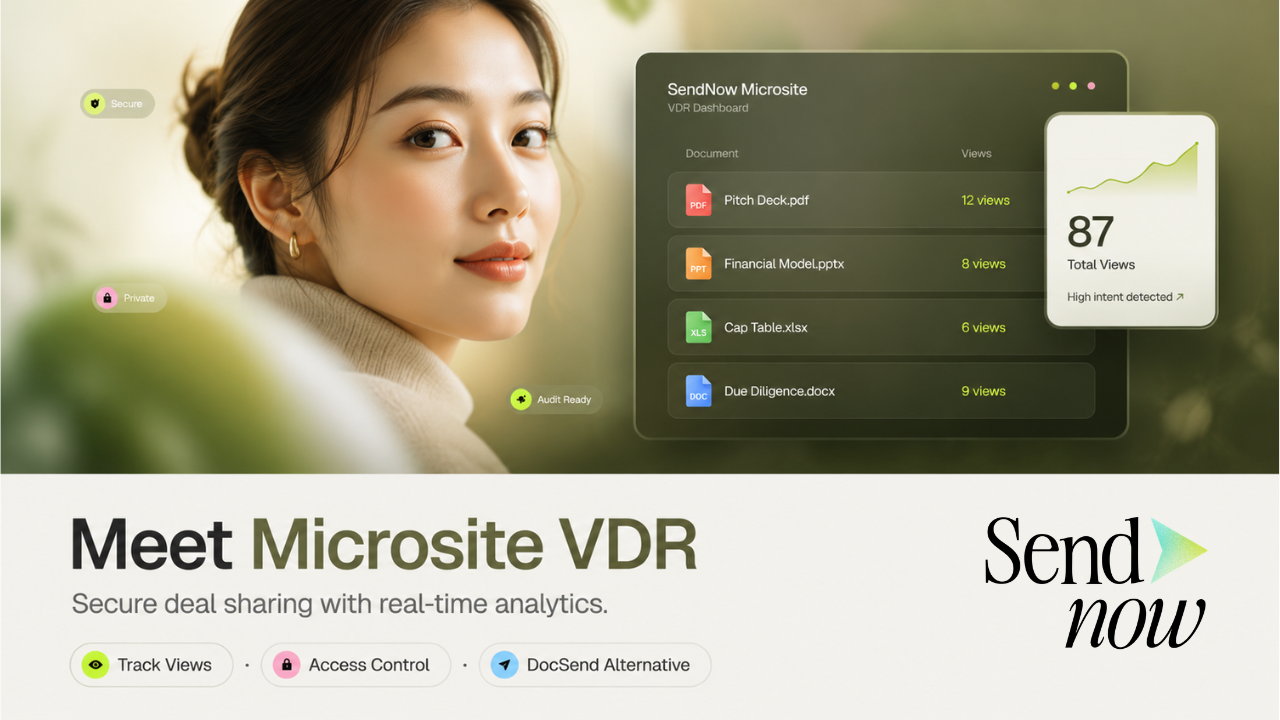
Feature comparison matrix
| Feature | Sendnow | Digify | Why it matters |
|---|---|---|---|
| Virtual Data Rooms | Unlimited rooms on all paid plans | Limited rooms; extra fees for additional rooms | No per-room costs means you can organize deals and projects freely. |
| Custom Branding | Included on all paid plans | Only on higher-tier plans | Present a professional front without paying extra. |
| Real-time Analytics | Detailed viewer tracking, page-level insights | Basic analytics on lower tiers; advanced requires upgrade | Know exactly who viewed what and for how long. |
| Granular Permissions | Set view, download, print, and expiry per user or group | Available but requires configuration on higher tiers | Control access down to the individual without complexity. |
| File Size Limit | Up to 5 GB per file | Up to 1 GB per file | Share large media files and datasets without splitting them. |
| Integrations | Native integrations with Google Drive, Slack, and Zapier | Limited integrations; requires API on enterprise | Work where your team already collaborates. |
| User Interface | Modern, intuitive design | Traditional, feature-dense interface | Faster onboarding and higher adoption rates. |
Why Buyers Actually Switch from Digify to Sendnow
When we talk to teams who have evaluated both Digify and Sendnow, the decision rarely comes down to a single feature. It's a combination of concrete, measurable pain points that add up over time. Here are the most common reasons we hear:
Cost overruns: Digify's pricing starts at $49 per user per month for its Professional plan, which is already 2.5x Sendnow's $19 entry point. For a 10-person team, that's a $3,600 difference per year on the lowest tier alone. When you factor in the features you actually need—like custom branding and advanced analytics—Digify pushes you to its $99 per user plan, making the annual cost $11,880 versus Sendnow's $2,280 for the same capabilities. That's a $9,600 annual saving.
Per-room fees: Digify charges extra for additional virtual data rooms beyond a set number. If you're running multiple deals or projects simultaneously, those fees stack up quickly. Sendnow includes unlimited rooms on every paid plan, so you can spin up a new room for each client, each fundraising round, or each audit without watching your bill climb.
Hidden feature tiers: With Digify, features like custom branding, audit logs, and granular permissions are gated behind higher-priced plans. Sendnow includes these on all paid plans, so you don't have to upgrade just to put your logo on a document.
Clunky user experience: Digify's interface is feature-dense and dated, which means longer onboarding and more support tickets. Sendnow was built with a modern, intuitive design that your team will actually want to use. In our trials, teams get up and running in under 10 minutes.
File size limits: Digify caps file uploads at 1 GB per file. Sendnow allows up to 5 GB, so you can share large video files, design assets, or datasets without splitting them into frustrating chunks.
These aren't edge cases—they're the daily realities of secure document sharing. When you add them up, the choice becomes clear.
Deep Dive: Pricing and Plans
Pricing is often the deciding factor, and the numbers speak for themselves. Sendnow's tiered pricing is straightforward:
Starter: $19/user/month (annual billing) – includes unlimited rooms, 5 GB file uploads, and basic analytics.
Growth: $29/user/month (annual billing) – adds advanced analytics, custom branding, and priority support.
Enterprise: Custom pricing – includes SSO, dedicated account manager, and API access.
Digify's pricing is less transparent. Their Professional plan starts at $49/user/month, but many essential features are locked behind the $99/user/month Business plan. For a 10-person team, that's a difference of $9,600 per year if you need the features Sendnow includes by default.
Even if you only need the basics, Digify's entry point is 2.5x higher. And because Digify charges per room, a team managing 5 active deals could see their costs balloon. With Sendnow, you pay a flat per-user rate and never worry about room limits.
What You Get for the Price
Let's compare what a typical team gets on each platform's mid-tier plan:
Sendnow Growth ($29/user/month): Unlimited rooms, custom branding, real-time page-level analytics, granular permissions, 5 GB uploads, and integrations with Google Drive, Slack, and Zapier.
Digify Business ($99/user/month): Unlimited rooms (but with per-room fees on lower tiers), custom branding, advanced analytics, and a 1 GB upload limit.
You're paying 70% less with Sendnow and getting more generous file limits and better integrations.
Deep Dive: Feature Comparison – Analytics and Permissions
Security and insight are the heart of any document sharing tool. Here's how the two stack up in the areas that matter most.
Real-time Analytics
Sendnow provides real-time analytics at the page level. You can see exactly which pages a viewer spent time on, how long they lingered, and whether they attempted to download or print. This intelligence is invaluable for sales teams tracking prospect interest in a proposal or for M&A advisors gauging buyer engagement with due diligence documents.
Digify offers analytics, but on lower tiers it's basic—you get a count of views, not the granular detail. To get page-level insights, you need to be on their $99 plan. That's a significant cost jump for data that should be standard.
Granular Permissions
Both tools allow you to restrict viewing, downloading, printing, and forwarding. However, Sendnow makes it easy to set permissions per user or per group, and you can apply expiry dates to individual documents. This is crucial when you need to revoke access after a deal closes or a contract is signed.
Digify also offers granular permissions, but the configuration is more complex, and some options are only available on higher tiers. With Sendnow, you get the same level of control without the administrative headache.
Watermarking and Tracking
Dynamic watermarking is a standard feature in both tools, but Sendnow's implementation is more flexible. You can choose from multiple watermark styles, including a scrolling watermark that makes it impossible to screenshot without detection. Digify's watermarking is effective but less customizable.
Who This Is Actually For
Sendnow is not for everyone, but it's a perfect fit for several specific team profiles:
Investment bankers and M&A advisors: You manage multiple deals simultaneously, each with its own data room. With Sendnow's unlimited rooms, you can create a separate room for every deal without worrying about per-room fees. The page-level analytics help you understand which documents are getting the most attention from potential buyers.
Legal teams: You need to share sensitive documents with clients, opposing counsel, and experts. Sendnow's granular permissions and expiry dates ensure that access is revoked when it should be. The 5 GB file limit means you can share large discovery files without splitting them.
Startups and SMBs: You need a professional way to share pitch decks, financials, and term sheets with investors, but you don't have an enterprise budget. Sendnow's $19 per user entry point is accessible, and the custom branding makes you look polished.
If you're a solo founder or a small team that shares documents occasionally, you might be fine with a free tool like Dropbox or Google Drive. But if you need security, tracking, and a professional presentation, Sendnow is the sweet spot.
Migration Walkthrough: Moving from Digify to Sendnow
Switching tools sounds daunting, but Sendnow makes it painless. Here's a step-by-step guide:
Export your documents from Digify: Download all files from your Digify rooms to your local machine or cloud storage. Digify allows bulk export, so this is straightforward.
Create your Sendnow account: Sign up for a free trial at sendnow.live. You'll be able to test all features without a credit card.
Set up your team: Invite your colleagues and assign roles. Sendnow supports role-based access, so you can control who sees what.
Upload your files: Drag and drop your documents into Sendnow. With a 5 GB per file limit, you won't hit upload errors.
Recreate your rooms: Create virtual data rooms for each project or deal. Since Sendnow offers unlimited rooms, you can mirror your Digify structure exactly.
Configure permissions and branding: Set your logo, colors, and domain. Apply the same access rules you had in Digify.
Notify your viewers: Send out new links to your clients or investors. Sendnow's links are secure and can be set to expire.
Cancel Digify: Once you've confirmed everything works, cancel your Digify subscription. You'll start saving money immediately.
Most teams complete the migration in under a day. And because Sendnow's interface is more intuitive, your viewers will adapt quickly.
Final Thoughts
Choosing between Sendnow and Digify comes down to value. You get the same core security features—watermarking, access control, and analytics—at a fraction of the cost. With Sendnow, you also get a modern interface, larger file limits, and integrations that fit your workflow.
Don't just take our word for it. Start your free trial today and see the difference for yourself. If you're evaluating options, you might also find our comparisons on Alt Hunt helpful.
 Start free
Pricing breakdown
| Plan | Sendnow | Digify |
|---|---|---|
| Starter | $19/user/month (billed annually) | $49/user/month (billed annually) |
| Growth (most popular) | $29/user/month (billed annually) | $99/user/month (billed annually) |
| 10-person team annual cost | $2,280/year | $11,880/year |
Illustrative pricing — verify current figures before relying on this.
Ready to try Sendnow?
Visit sendnow.liveCommunity Discussions & Reviews
Real feedback from verified buyers, founders, and engineering teams using these products.