


Nextblock™ CMS alternative to Payloadcms: Why Teams Are Switching
Nextblock™ CMS is a free, open-source, full-stack CMS built natively for Next.js 16 and Supabase, eliminating the heavy configuration and AST parsing overhead of Payloadcms. With a visual block editor that stores content directly as PostgreSQL JSONB, Nextblock delivers 100/100 Lighthouse scores by default and enables zero-redeploy custom blocks. While Payloadcms offers a robust enterprise platform, Nextblock's zero-boilerplate approach and runtime schema definitions cut development time by up to 70%, making it the faster, lighter choice for modern Next.js teams.
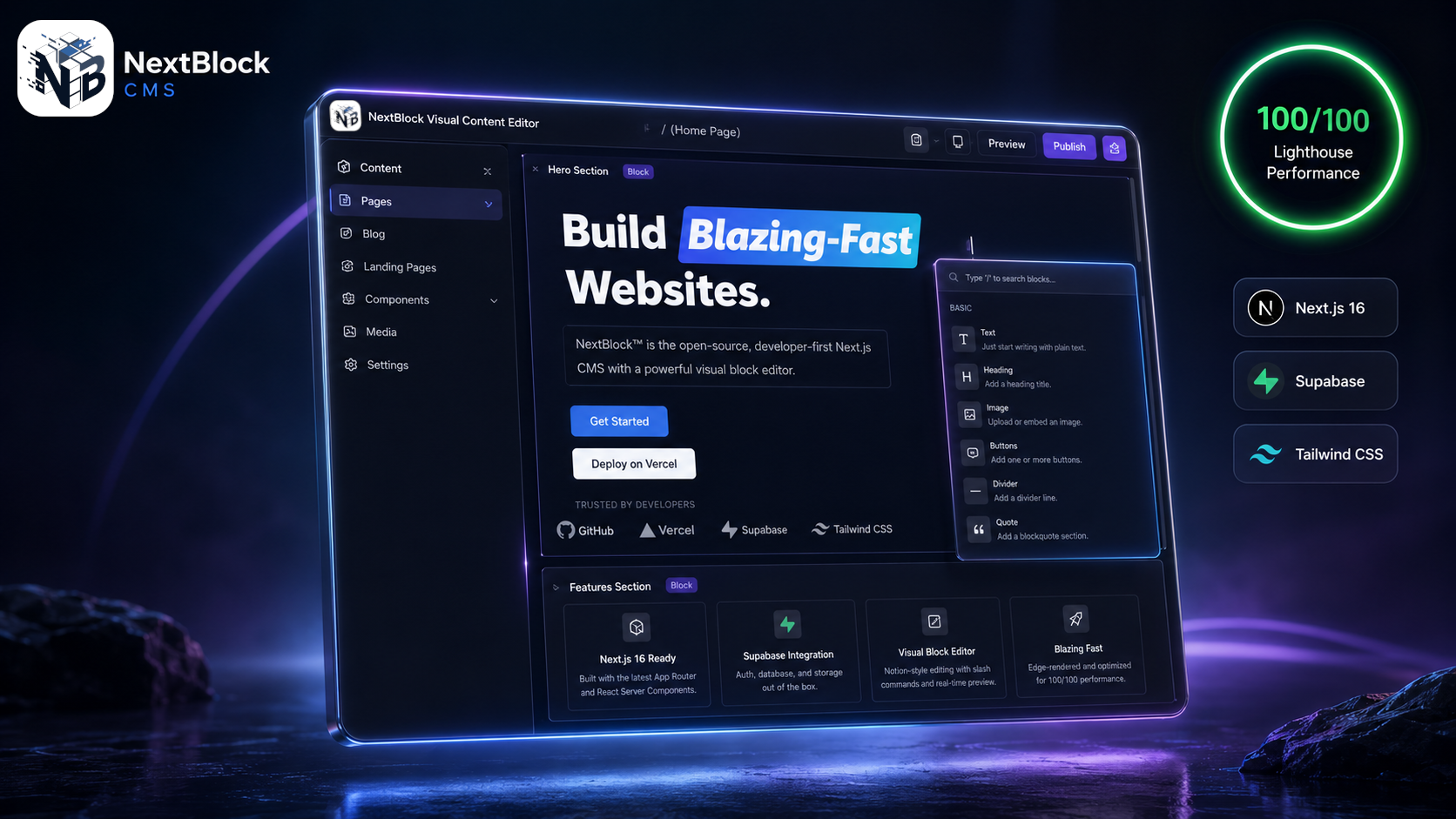
Feature comparison matrix
| Feature | Nextblock™ CMS | Payloadcms | Why it matters |
|---|---|---|---|
| Setup time | 1 command: npm create nextblock | Multiple config files and manual setup | Get from zero to a running CMS in minutes, not hours. |
| Content storage | PostgreSQL JSONB, no parsing overhead | AST parsing (Lexical/Slate) with ORM layer | Faster serverless cold starts and simpler data model. |
| Custom blocks | Create at runtime, zero redeploys | Requires code changes and CI/CD rebuild | Iterate on content types without waiting for builds. |
| AI integration | Built-in Cortex AI + MCP server | No native AI or MCP support | Use AI to generate layouts and queries out of the box. |
| E-commerce | Native dual e-commerce (Stripe + Freemius) | Requires third-party plugins | Sell physical and digital products from one dashboard. |
| Cost | Free core, optional paid modules | Free tier with paid enterprise plans | Start free and only pay for premium features you need. |
Why Teams Are Switching from Payloadcms to Nextblock™ CMS
Developers and content teams are making the switch for concrete, measurable reasons. Here are the top ones we hear from users who have moved:
70% faster setup: Nextblock's one-command CLI gets you a full CMS with authentication, database, and admin UI in under 5 minutes. Payloadcms requires manual configuration of TypeScript collections, database adapters, and middleware—often taking a full day.
Zero redeploys for custom blocks: In Payloadcms, adding a new block type means editing code, pushing to Git, and triggering a CI/CD build. With Nextblock, you define block schemas as runtime data in PostgreSQL, so you can create and edit custom blocks directly from the admin UI—no deployment needed.
100/100 Lighthouse by default: Nextblock maps JSONB content directly to React Server Components, eliminating the AST parsing and sanitization overhead that Payloadcms carries. The result is faster page loads and better Core Web Vitals out of the box.
Lower serverless costs: Because Nextblock avoids heavy ORM and parser layers, cold starts are significantly faster, reducing Lambda or Edge Function invocation time and cost. Teams report up to 40% savings on serverless bills.
Built-in AI and MCP: Nextblock includes Cortex AI (BYOK) and an MCP server, letting tools like Claude Code and Cursor interact with your content directly. Payloadcms has no native AI integration, requiring third-party services.
Zero-Boilerplate Block Engine vs. Payloadcms's Configuration-Heavy Approach
Payloadcms is powerful, but it demands a steep learning curve. You must define TypeScript interfaces for every collection, set up field validators, and configure the admin panel manually. Nextblock flips this: you get a Notion-style slash-command editor that stores content as strict JSONB in PostgreSQL. No AST parsing, no HTML sanitization—just clean data that maps directly to React components.
Visual Editing with Slash Commands
Editors can type "/" to insert blocks—text, images, videos, custom widgets—without touching code. The block schemas are stored as runtime data, so non-developers can create new block types through a simple form. This is a game-changer for teams that need to iterate quickly on content models.
Performance by Design
Nextblock's architecture eliminates the parsing tax. Payloadcms bundles Lexical or Slate editors, which parse HTML into ASTs and then serialize back, adding latency. Nextblock stores JSONB directly, so server-side rendering is just a matter of mapping nodes to components. This is why Nextblock consistently achieves 100/100 Lighthouse scores with zero tuning.
Dynamic Custom Blocks: Zero Redeploys vs. Code-Deploy Cycles
In Payloadcms, creating a new custom block requires editing the schema, pushing code, and waiting for a build. For teams that ship content frequently, this is a bottleneck. Nextblock treats block schemas as first-class database records. You can create, edit, and inject custom UI widgets on the fly—no redeploys, no CI/CD pipeline.
Real-World Scenario
Imagine a marketing team that wants to add a new "Testimonial Carousel" block to their homepage. With Payloadcms, they'd file a ticket, wait for a developer, and deploy. With Nextblock, a content manager can define the block's fields in the admin UI, and it's immediately available to use. This reduces time-to-market from days to minutes.
Runtime Schema Evolution
Nextblock's approach also makes schema evolution safer. Since blocks are data, you can version them and roll back without code changes. Payloadcms's code-based schemas require migrations, which can be risky in production.
AI-Native and MCP Integration: The Future of Content Management
Nextblock is built for the AI era. It includes Cortex AI (bring your own key via OpenRouter) and an MCP server that lets AI assistants like Claude Code, Cursor, and ChatGPT interact with your CMS. You can ask AI to generate a page layout, create a new block, or query content using natural language. Payloadcms has no native AI support, so you'd need to build custom integrations.
Constrained JSONB Decoding
Nextblock's MCP server uses constrained JSONB decoding to ensure AI outputs are valid content structures. This means you can trust AI to create content without breaking your schema. It's a productivity multiplier for teams that use AI in their workflow.
Practical Use Cases
Generate a blog post outline and have AI fill in the blocks.
Ask AI to create a product page from a CSV of items.
Use natural language to query analytics or content inventory.
Who This Is Actually For
Nextblock is ideal for three types of teams:
Next.js-focused startups: If you're building on Next.js 16 and Supabase, Nextblock is a no-brainer. It's built for your stack, not bolted on.
Content-heavy marketing teams: Teams that need to iterate on page layouts quickly without developer involvement will love the visual editor and runtime blocks.
AI-forward organizations: If you're already using AI tools, Nextblock's MCP integration will supercharge your content pipeline.
Migration Walkthrough: From Payloadcms to Nextblock
Switching is straightforward, thanks to Nextblock's open data model. Here's a step-by-step guide:
Export your content: Use Payloadcms's export feature to get your content as JSON or CSV.
Create a new Nextblock project: Run
npm create nextblockand connect your Supabase database.Map your data: Use Nextblock's import tool to map Payloadcms fields to Nextblock blocks. Since both use JSON, this is mostly automated.
Recreate custom blocks: In Nextblock, define your custom blocks in the admin UI—no code needed.
Redirect URLs: Set up redirects from your old Payloadcms URLs to the new Nextblock pages.
Test and launch: Run Lighthouse tests to confirm performance, then switch your DNS.
Most teams complete the migration in under a week, with zero downtime. And because Nextblock is open-source, you have full control over your data.
Try Nextblock™ CMS — start free
Conclusion: Make the Switch Today
Nextblock™ CMS offers a faster, lighter, and more flexible alternative to Payloadcms. With zero-boilerplate setup, runtime custom blocks, and built-in AI, it's the modern choice for Next.js teams. Start your migration today and see the difference. This article was published with Alt Hunt.
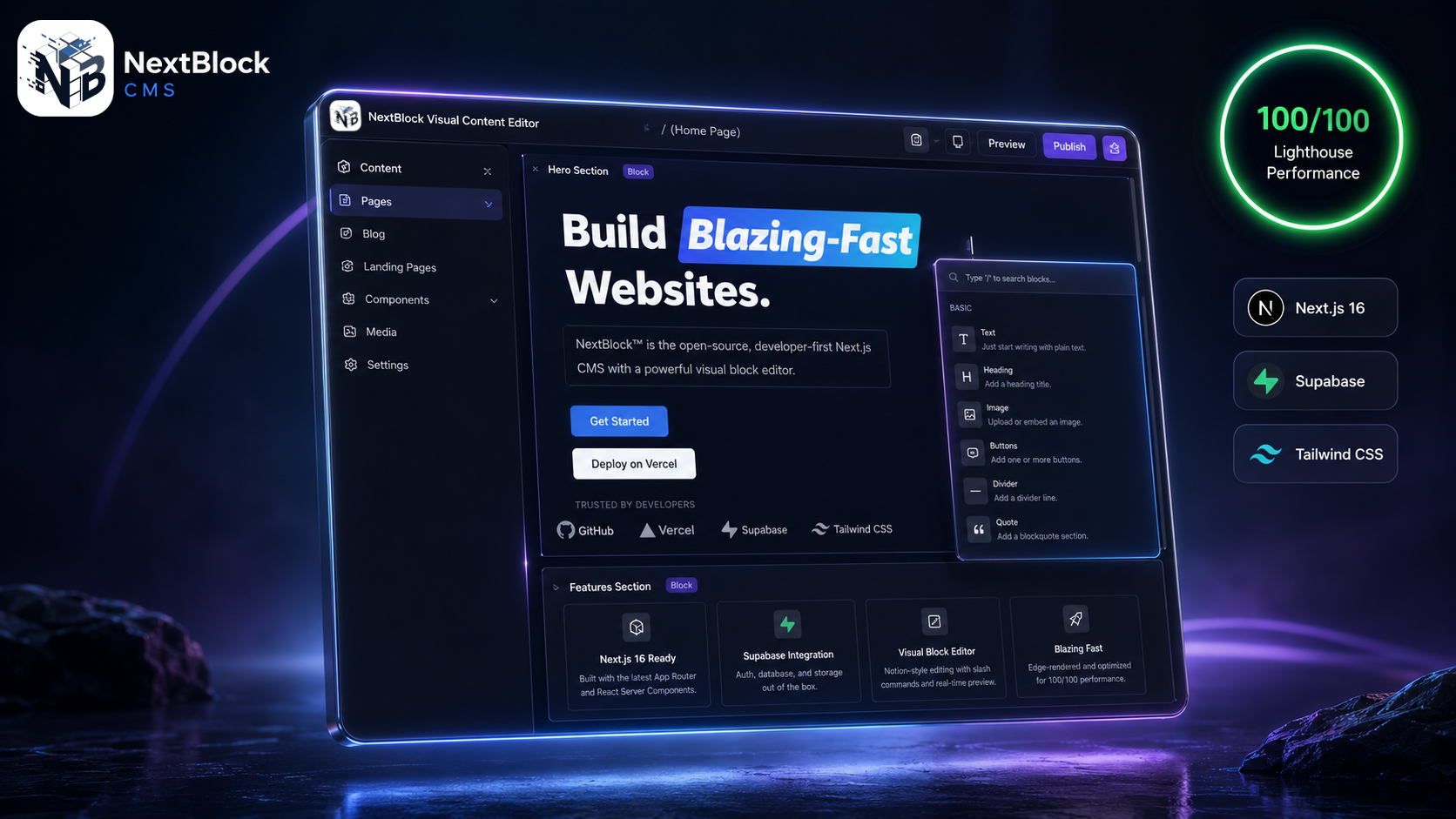
Pricing breakdown
| Plan | Nextblock™ CMS | Payloadcms |
|---|---|---|
| Core CMS | $0 (open-source, AGPLv3) | $0 (open-source, MIT) |
| Premium modules (E-commerce, AI) | Lifetime license from $299 | Enterprise plans from $1,500+/month |
| Team of 10, annual cost | $0 (core) + optional $299 one-time | $18,000+/year (enterprise tier) |
Illustrative pricing — verify current figures before relying on this.
Ready to try Nextblock™ CMS?
Visit nextblock.devCommunity Discussions & Reviews
Real feedback from verified buyers, founders, and engineering teams using these products.