

Metricool alternative to Buffer: Which Social Media Management Tool Is Right for You?
Metricool costs $22 per month for its Advanced plan, while Buffer's Essentials plan starts at $6 per channel per month — for a team managing 5 channels, that's $30 per month with Buffer versus $22 with Metricool, a 27% savings. Metricool also includes unlimited scheduled posts, a unified social inbox, and advanced analytics across all plans, whereas Buffer's lower tiers limit features like engagement tools and analytics depth. For teams needing comprehensive reporting and team collaboration without per-channel fees, Metricool often proves more cost-effective.
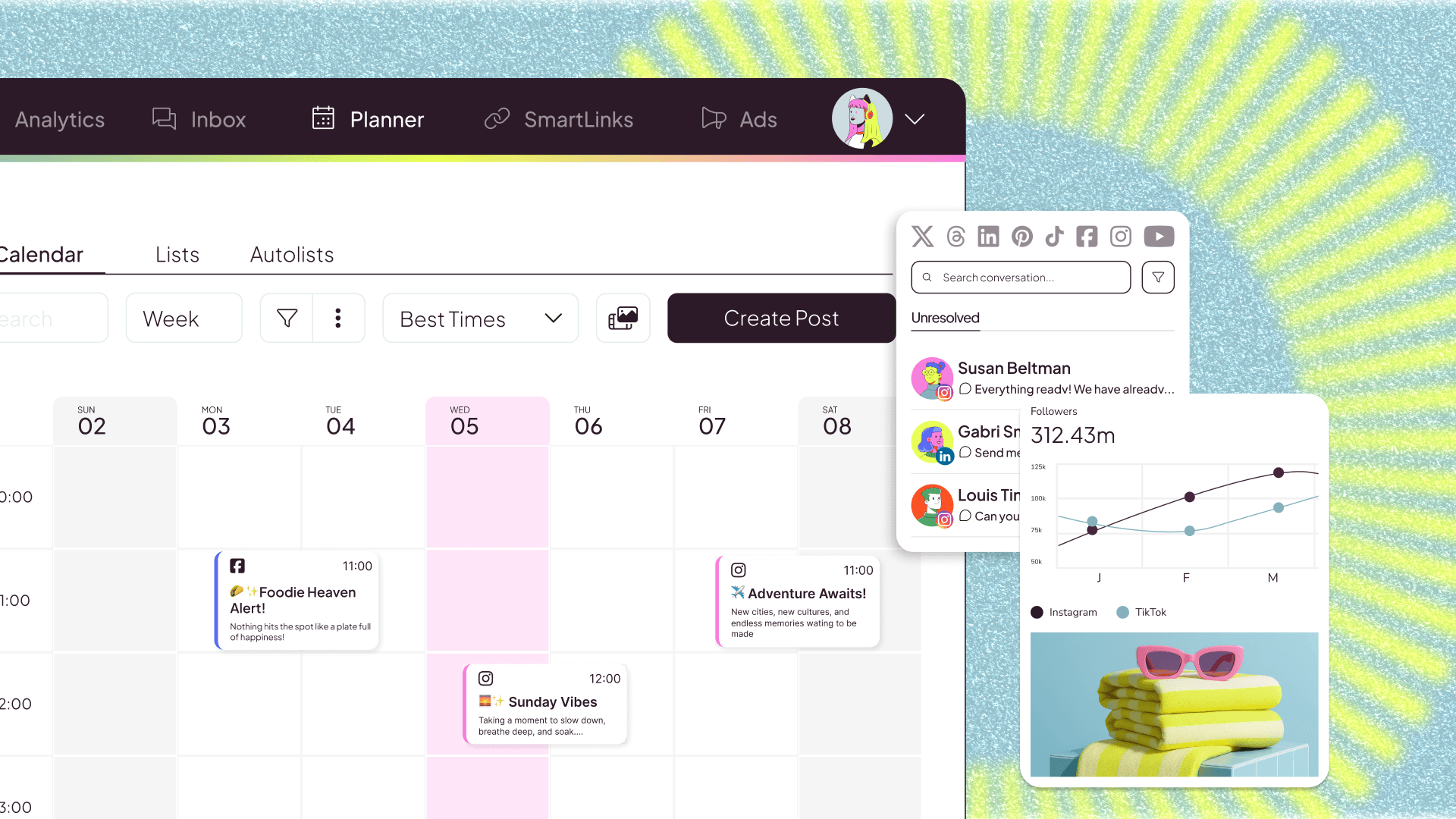
Feature comparison matrix
| Feature | Metricool | Buffer | Why it matters |
|---|---|---|---|
| Pricing model | Flat monthly fee based on features, not channels | Per-channel pricing on most plans | Costs scale with channels, so teams with many profiles pay more. |
| Unlimited scheduled posts | Yes, on all paid plans | Yes, on all paid plans | Both allow unlimited scheduling, but Buffer's per-channel fee can add up. |
| Unified social inbox | Included in all plans | Available on Essentials and above | Metricool includes engagement tools without extra cost. |
| Advanced analytics | Full analytics on all plans | Basic analytics on lower tiers; advanced on higher tiers | Metricool provides deeper insights without upgrading. |
| Team collaboration | Unlimited users on Advanced and above | Additional users cost extra on some plans | Metricool avoids per-user fees for growing teams. |
| Competitor analysis | Included in Advanced plan | Not available | Metricool lets you track competitors' social performance. |
| White-label reports | Available on Custom plan | Available on Premium plan | Both offer white-label reporting, but at different price points. |
| Free plan | Yes, with limited features | Yes, with limited features | Both offer free tiers, but Metricool's free plan includes more analytics. |
Why buyers actually switch from Buffer to Metricool
Switching social media management tools is a big decision, but for many teams, the move from Buffer to Metricool comes down to three concrete factors: cost, features, and scalability. Here are the specific reasons buyers cite most often.
Predictable, flat pricing that doesn't penalize growth. Buffer's per-channel pricing means costs rise with every added profile. A team managing 10 channels on Buffer's Essentials plan pays $60 per month, while Metricool's Advanced plan covers unlimited channels for $22 per month — a 63% savings. For agencies or brands with many social accounts, that difference compounds quickly.
Advanced analytics included at no extra cost. Metricool provides in-depth analytics — including competitor benchmarking, hashtag tracking, and ad performance — on its Advanced plan. Buffer reserves advanced analytics for its higher tiers, which start at $12 per channel per month. Teams that need robust reporting without upgrading to a premium tier find Metricool's offering more complete.
Unified social inbox and engagement tools on all plans. Metricool includes a unified inbox for comments, mentions, and direct messages across all connected networks in every paid plan. Buffer offers a similar feature but only on its Essentials plan and above, meaning teams on the free or lower tiers must upgrade to access it.
Deep dive: Pricing and cost savings at scale
Pricing is the most immediate differentiator. Buffer's model charges per social channel per month, so a small business with five profiles (e.g., Facebook, Instagram, Twitter, LinkedIn, TikTok) on the Essentials plan pays $30 monthly. Metricool's Advanced plan, at $22 monthly, covers unlimited channels and includes features like competitor analysis and white-label reports that Buffer only offers on higher-priced plans.
How the costs compare for different team sizes
Solopreneur with 3 channels: Buffer Essentials: $18/mo; Metricool Advanced: $22/mo. Buffer is slightly cheaper, but Metricool includes more analytics and a unified inbox.
Small team with 10 channels: Buffer Essentials: $60/mo; Metricool Advanced: $22/mo. Metricool saves $38/mo (63%).
Agency with 25 channels: Buffer Essentials: $150/mo; Metricool Advanced: $22/mo. Metricool saves $128/mo (85%).
Additionally, Buffer charges extra for additional users on some plans, while Metricool's Advanced plan includes unlimited users. For a team of three, Buffer's per-user fees can add $12 per user per month, pushing the total higher.
Deep dive: Analytics and reporting capabilities
Metricool's analytics suite is a key reason teams switch. The Advanced plan includes:
Competitor analysis: Track competitors' follower growth, engagement rates, and posting frequency across networks.
Hashtag tracking: Monitor hashtag performance and discover trending tags in your niche.
Ad performance: Integrate Facebook and Instagram ads to measure ROI alongside organic posts.
Custom reports: Generate white-label reports with your branding, scheduled for automatic delivery.
Buffer offers analytics on all plans, but advanced features like competitor analysis and hashtag tracking are not available. Its Premium plan (starting at $12 per channel per month) includes some advanced analytics, but the cost for multiple channels quickly exceeds Metricool's flat fee.
Real-world scenario: Monthly reporting for a client
An agency managing five client accounts (each with 3 channels) would pay Buffer $180 per month for Essentials (15 channels × $6) plus additional user fees. Metricool's Advanced plan at $22 per month covers all channels and users, and includes white-label reporting — a savings of over $150 monthly.
Deep dive: Team collaboration and workflow
Metricool's Advanced plan includes unlimited users, making it easy to invite clients, freelancers, or team members without worrying about per-seat costs. Buffer's team features are available on its Essentials and Premium plans, but additional users beyond the included limit incur extra charges. For agencies and growing teams, Metricool's unlimited user model removes a common pain point.
Approval workflows and scheduling
Both tools offer post-scheduling and content calendars, but Metricool includes an approval workflow on its Advanced plan, allowing managers to review and approve posts before publishing. Buffer offers similar functionality on its Premium plan, which starts at $12 per channel per month.
Who this is actually for
Metricool is a strong fit for three types of users:
Agencies managing multiple client accounts: With unlimited channels and users on the Advanced plan, agencies can consolidate all client work under one flat fee. The included white-label reports and competitor analysis add value that would cost extra with Buffer.
Small businesses with 5+ social profiles: As the number of channels grows, Buffer's per-channel pricing becomes less economical. Metricool's flat pricing keeps costs predictable and includes advanced analytics.
Teams needing in-depth analytics without upgrading: Metricool provides competitor tracking, hashtag analysis, and ad performance on its Advanced plan, whereas Buffer requires a higher tier for comparable features.
Migration walkthrough: Switching from Buffer to Metricool
Migrating to Metricool is straightforward. Follow these steps to ensure a smooth transition:
Export your Buffer data: Use Buffer's export feature to download your scheduled posts, analytics, and connected profiles. This will serve as a backup.
Create a Metricool account: Sign up for a free trial or paid plan at metricool.com. The Advanced plan is recommended for teams needing unlimited channels and users.
Connect your social profiles: Link all your social accounts (Facebook, Instagram, Twitter, LinkedIn, TikTok, etc.) to Metricool. The platform supports all major networks.
Import scheduled posts: Use Metricool's bulk scheduling tool to upload your content calendar. You can import CSV files or manually recreate posts.
Set up team members: Invite team members and clients to your Metricool workspace. Assign roles and permissions as needed.
Configure analytics and reports: Customize your dashboard to track key metrics. Set up automated white-label reports for clients.
Disconnect Buffer: Once you've verified that all posts are scheduled and analytics are tracking correctly, cancel your Buffer subscription.
For a detailed comparison of social media management tools, visit Alt Hunt.
Pricing breakdown
| Plan | Metricool | Buffer |
|---|---|---|
| Entry-level paid plan | $22/mo (Advanced) | $6/channel/mo (Essentials) |
| 5 channels, monthly cost | $22 | $30 |
| 10 channels, monthly cost | $22 | $60 |
| Team features (e.g., 3 users) | Included in Advanced | Additional cost per user on some plans |
Illustrative pricing — verify current figures before relying on this.
Ready to try Metricool?
Visit metricool.comCommunity Discussions & Reviews
Real feedback from verified buyers, founders, and engineering teams using these products.