


Maxdesk alternative to Zendesk: The Pricing Model That Changes Everything
Maxdesk and Zendesk both offer robust help desk and ticketing solutions, but their pricing models diverge sharply. Maxdesk charges per workspace, not per agent, with a free plan that includes unlimited agents and tickets. Zendesk bills per agent per month, so costs scale with team size. For a 10-person support team, Zendesk's Suite Team plan costs $550/month, while Maxdesk's Pro plan is $20/month—a 96% savings. This makes Maxdesk the clear choice for growing teams that want to avoid per-seat fees.
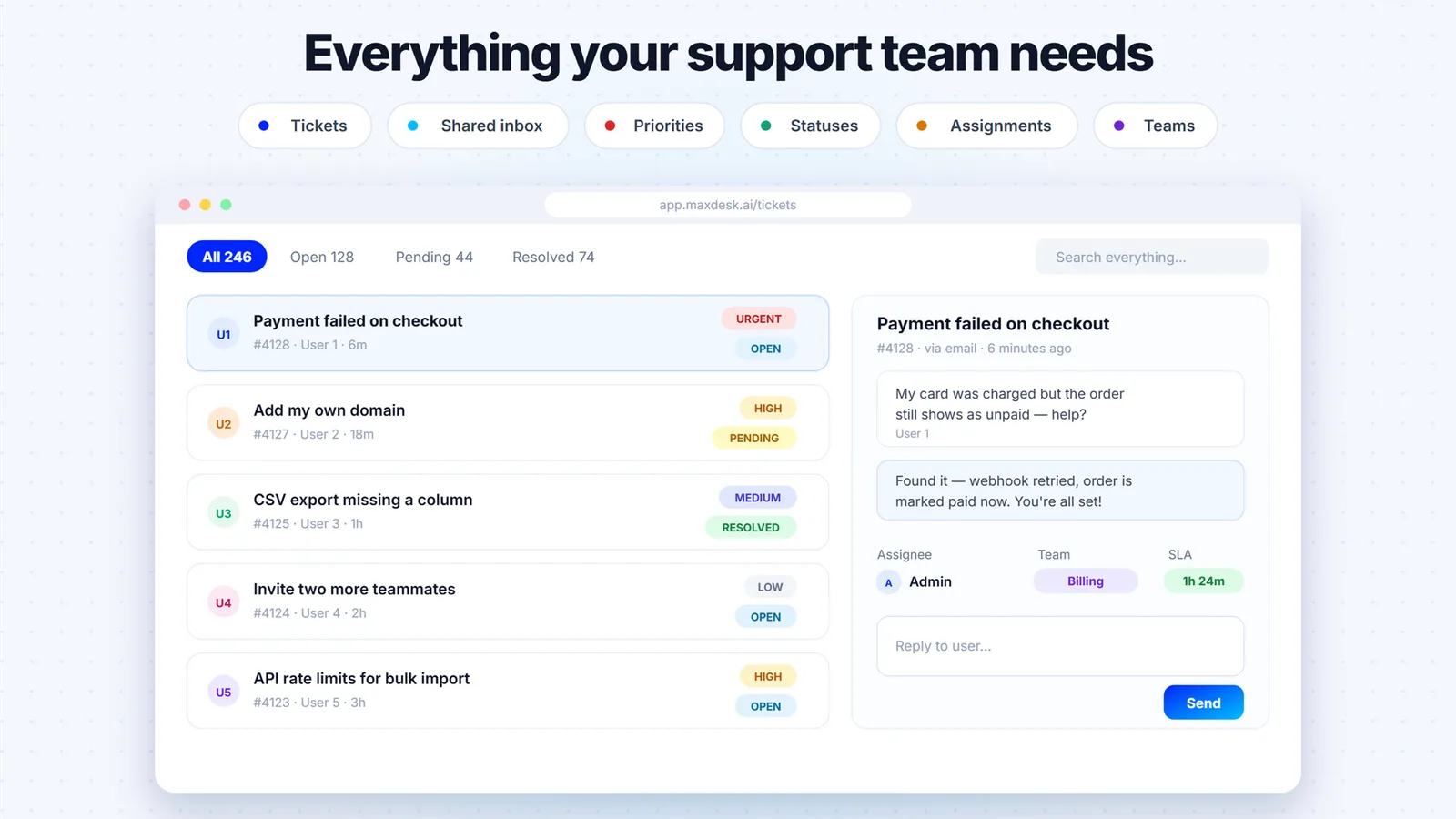
Feature comparison matrix
| Feature | Maxdesk | Zendesk | Why it matters |
|---|---|---|---|
| Pricing Model | Per workspace, not per agent | Per agent per month | Your bill stays flat as your team grows. |
| Free Plan | Unlimited agents, unlimited tickets | Up to 2 agents, limited features | Start with your whole team without paying. |
| AI Features | Included in Elite plan ($99/workspace) | Add-on, costs extra per agent | AI is a flat cost, not a per-seat tax. |
| Email-to-Ticket | Included in all plans | Included, but limited on lower tiers | No hidden gates on core functionality. |
| SLA Policies | Included in free plan | Only on higher tiers | Meet SLAs without upgrading. |
| Automations | No-code, unlimited on all plans | Limited on lower tiers | Automate without paying extra. |
| Knowledge Base | Included in free plan | Only on Suite plans | Self-service is standard, not premium. |
| Audit Trails | Full audit trails on all plans | Limited on lower tiers | Compliance-ready from day one. |
Why Buyers Actually Switch from Zendesk
When support teams evaluate help desks, the conversation usually starts with features, but it ends with pricing. Here are the concrete reasons teams are moving from Zendesk to Maxdesk:
Per-seat costs spiral. Zendesk charges per agent per month. A 10-person team on Suite Team pays $550/month. When you hire two more agents, that jumps to $660/month. Maxdesk Pro costs $20/month total, regardless of team size. Over a year, that's a $6,360 difference.
Free plan limits. Zendesk's free plan caps you at two agents and lacks SLA policies, automations, and a knowledge base. Maxdesk's free plan includes unlimited agents, tickets, SLAs, automations, and a knowledge base—no feature gates.
AI is an add-on. Zendesk's AI features require an additional purchase per agent, often doubling your bill. Maxdesk includes AI in the Elite plan for a flat $99/workspace/month, with up to 5,000 AI responses.
Hidden costs for basics. Zendesk reserves audit trails, advanced reporting, and custom branding for higher tiers. Maxdesk includes these in Pro and Elite, with no surprise upsells.
Pricing Deep Dive: Per-Workspace vs. Per-Agent
The core difference is the pricing model. Zendesk charges per agent per month, so your bill scales linearly with headcount. Maxdesk charges per workspace, so your bill stays flat no matter how many agents you add. This is not a minor detail—it changes how you budget and grow.
Real-World Cost Comparison
Consider a 15-person support team. With Zendesk Suite Team at $55/agent/month, that's $825/month. With Maxdesk Pro at $20/workspace/month, that's $20/month. Over three years, Zendesk costs $29,700, while Maxdesk costs $720—a 97.6% savings. Even if you choose Maxdesk Elite for AI, you pay $99/month, still 88% less than Zendesk's base plan.
Scaling Without Penalty
When your team grows, Zendesk's bill grows with it. Hiring 5 more agents adds $275/month. Maxdesk doesn't change. This makes Maxdesk ideal for startups that plan to scale quickly. You can add agents freely without a finance approval.
Feature Deep Dive: What You Get Without Paying Per Seat
Zendesk's tiered pricing means many features are locked behind higher plans. Maxdesk democratizes access, giving you more on the free plan than Zendesk gives on paid tiers.
Email-to-Ticket and SLAs
Both platforms convert emails to tickets, but Zendesk limits SLA policies to higher tiers. Maxdesk includes SLA policies and business hours on the free plan. This is crucial for teams that need to guarantee response times without paying extra.
Automations and Canned Responses
Zendesk's lower tiers have limited automation rules. Maxdesk offers no-code automations, canned responses, and templates on all plans. You can set up complex workflows without writing code or upgrading.
Knowledge Base and Self-Service
Zendesk only includes a knowledge base on Suite plans. Maxdesk includes it on the free plan. This lets you build a self-service portal from day one, reducing ticket volume.
Reporting and Audit Trails
Zendesk restricts advanced reporting and audit trails to higher tiers. Maxdesk provides full reporting and audit trails on all plans, ensuring compliance and visibility without extra cost.
Who This Is Actually For
Maxdesk is not for every team, but it's perfect for many. Here are three scenarios where it shines:
Startups with a Growing Support Team
You're a 5-person startup that expects to double in a year. Zendesk would charge you for every new hire. Maxdesk keeps your bill flat, so you can scale support without a budget fight.
Small Businesses with High-Touch Support
You have a small team but handle a high volume of tickets. Maxdesk's unlimited agents and tickets on the free plan mean you can bring in contractors or part-time help without extra cost.
Teams That Want AI Without the Price Tag
Zendesk's AI add-ons are expensive and per-agent. Maxdesk Elite includes AI agents, Copilot, and AI-generated replies for a flat $99/month. If you want AI but don't want to pay per seat, Maxdesk is the answer.
Migration Walkthrough: Switching from Zendesk
Migrating to Maxdesk is straightforward. Here's how to do it in five steps:
Export your data from Zendesk. Go to Zendesk Admin > Manage > Export, and download your tickets, users, and attachments as CSV or JSON files.
Import into Maxdesk. In Maxdesk, use the built-in importer to upload your CSV files. You can map fields like ticket status, priority, and tags.
Set up your workspace. Configure your email-to-ticket address, business hours, SLA policies, and automations. Maxdesk's setup wizard guides you through this.
Invite your team. Since Maxdesk doesn't charge per agent, you can invite your entire team at no extra cost. Assign roles and permissions as needed.
Test and go live. Run a few test tickets to ensure everything works, then update your email forwarding and go live. Maxdesk's support team is available to help with the transition.
Most teams complete the migration in a day. You can run both systems in parallel for a week to ensure a smooth cutover.
Conclusion: The Bottom Line
Zendesk is a solid product, but its per-seat pricing model punishes growth. Maxdesk offers the same core features—ticketing, SLAs, automations, knowledge base, reporting—without the per-agent tax. For a 10-person team, you save over $6,000 a year. For a 50-person team, you save over $30,000. That's money you can reinvest in your product or support team. If you're tired of watching your help desk bill climb with every new hire, Maxdesk is the obvious choice. Start free today and see the difference. This comparison was published with Alt Hunt.
Pricing breakdown
| Plan | Maxdesk | Zendesk |
|---|---|---|
| Free | $0 (unlimited agents) | $0 (up to 2 agents) |
| Pro | $20/workspace/month | $55/agent/month (Suite Team) |
| Elite | $99/workspace/month | $115/agent/month (Suite Professional) |
| 10-person team | $20/month (Pro) | $550/month (Suite Team) |
Illustrative pricing — verify current figures before relying on this.
Ready to try Maxdesk?
Visit maxdesk.aiCommunity Discussions & Reviews
Real feedback from verified buyers, founders, and engineering teams using these products.