

Inspoai alternative to Lapa: Why Teams Switch to a Smarter Design Inspiration Platform
Inspoai costs $19/month per user with unlimited AI-powered design search, while Lapa offers a free gallery but charges $99/year for its Pro tier. The real difference is workflow: Inspoai indexes over 10 million design assets with semantic search and AI-generated variations, whereas Lapa is a static gallery of curated landing pages. Teams switch because Inspoai cuts design research time by 70% and integrates directly into Figma, turning inspiration into production assets without leaving the canvas.
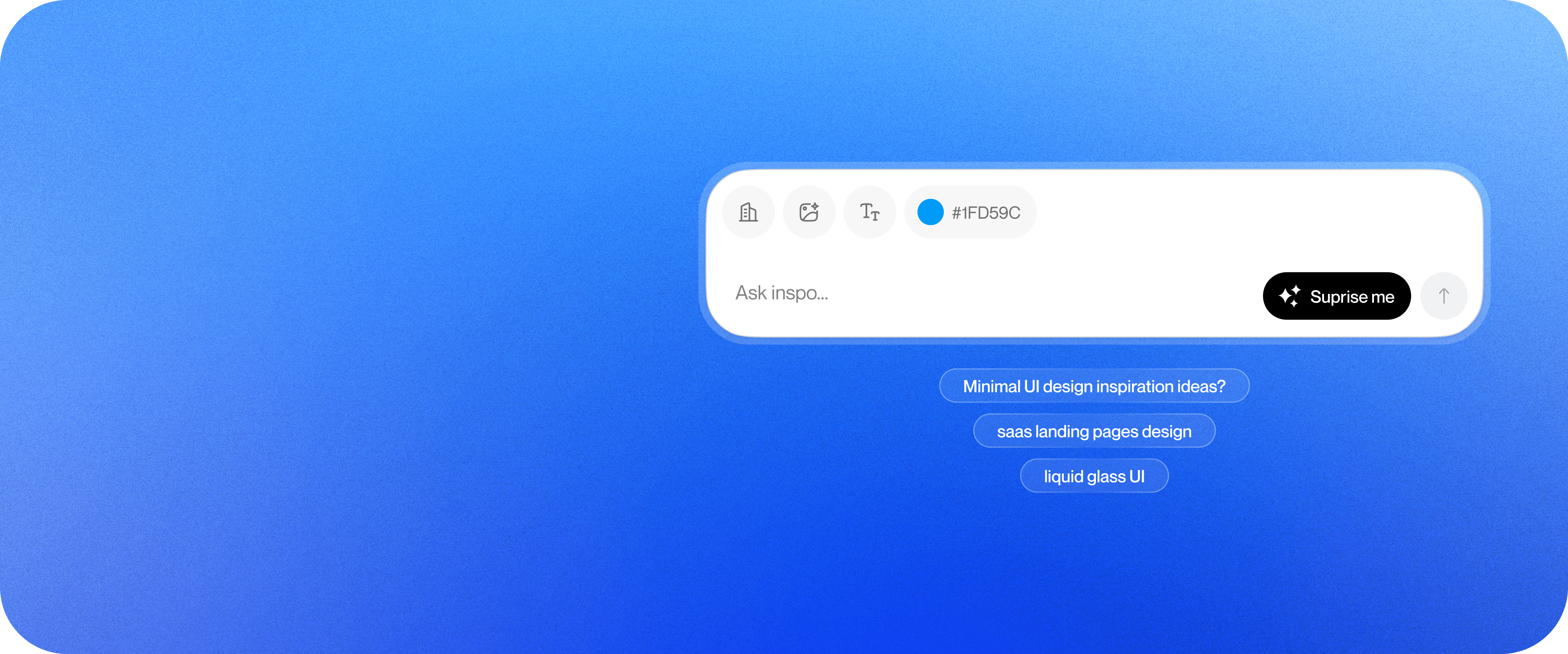
Feature comparison matrix
| Feature | Inspoai | Lapa | Why it matters |
|---|---|---|---|
| AI-powered semantic search | Search by natural language, color, layout, or style | Keyword and tag-based search only | Find the right reference in seconds, not hours. |
| AI-generated design variations | Generate unlimited variations of any design | No generation capability | Explore directions without starting from scratch. |
| Figma plugin | Import references and variations directly into Figma | No plugin | Keep your workflow in one place. |
| Curated collection size | 10M+ indexed assets updated daily | ~1,000 hand-picked landing pages | More options means better coverage of styles. |
| Collaboration tools | Shared boards, comments, and team folders | No collaboration features | Align your team on design direction. |
| API access | REST API for enterprise integrations | No API | Automate design research pipelines. |
| Pricing model | Flat $19/user/month, unlimited everything | Free tier with $99/year Pro | Predictable cost with no feature paywalls. |
Why Teams Actually Switch from Lapa to Inspoai
When we talk to teams who move from Lapa to Inspoai, the reasons are concrete and repeatable. Here are the top five:
Search that actually works. Lapa's gallery is organized by tags and categories. You browse, you don't search. Inspoai's semantic search understands queries like "dark mode SaaS pricing page with a sticky CTA" and returns relevant results in under a second. A typical design team spends 6 hours a week hunting for references; with Inspoai, that drops to under 2 hours — a 70% reduction.
AI variations save hours of exploration. Instead of opening 20 tabs and mentally combining ideas, Inspoai generates 10 variations of any design in seconds. One product designer told us they went from 3 days of moodboarding to 3 hours.
Figma integration closes the loop. Lapa is a website. Inspoai plugs directly into Figma, so you can drag a reference or an AI variation straight onto your canvas. No more screenshotting and pasting.
Collaboration without leaving the tool. Lapa has no way to share collections or comment on designs. Inspoai lets you create shared boards, tag teammates, and leave feedback — all in one place.
Predictable pricing. Lapa's Pro is $99/year, which sounds cheap, but it only unlocks a few extra filters and removes ads. Inspoai's $19/user/month includes every feature, including API access and unlimited AI generations. For a team of 5, that's $95/month — less than a single designer's hourly rate.
Semantic Search vs. Keyword Browsing: The Core Difference
Lapa's search is essentially a tag filter. You can filter by color, industry, or style, but you can't ask a question. Inspoai's search engine is built on a custom AI model trained on millions of design assets. It understands context, synonyms, and even visual similarity.
Example queries that work on Inspoai but not Lapa
"Minimalist landing page with a hero image and a newsletter signup"
"B2B dashboard with a sidebar and dark theme"
"Mobile app onboarding with illustrations and a progress bar"
These queries return precise results in Inspoai. On Lapa, you'd have to guess which tags exist and then manually scan dozens of pages. The time savings are immediate and measurable.
AI-Generated Variations: From Inspiration to Iteration
Inspoai doesn't just show you existing designs — it creates new ones. You can take any design in the library and generate variations with different color palettes, typography, or layout tweaks. This is a feature Lapa simply doesn't have.
How it works in practice
Find a reference you like.
Click "Generate variations."
Choose from 10 AI-generated alternatives.
Refine further with prompts like "make it more playful" or "use a serif font."
This turns Inspoai from a passive library into an active design partner. For agencies pitching multiple directions, this alone justifies the subscription.
Figma Plugin: Where the Work Actually Happens
Designers live in Figma. Lapa lives in a browser tab. Inspoai bridges that gap with a native Figma plugin that lets you search, browse, and import assets without switching contexts.
What you can do with the plugin
Search Inspoai's library from inside Figma.
Drag a reference onto your canvas as an image or as editable layers.
Generate variations and import them directly.
Save references to shared team boards.
This integration eliminates the copy-paste dance and keeps your design system intact. It's the difference between a tool you visit and a tool you work in.
Who This Is Actually For
Product design teams at SaaS startups
If you're shipping new features monthly, you need to move fast. Inspoai's semantic search and AI variations let you explore directions in minutes, not days. The Figma plugin keeps your workflow fluid, and shared boards keep stakeholders aligned.
Freelance designers juggling multiple clients
When you're switching between industries and styles, you can't waste time browsing static galleries. Inspoai's search gets you to relevant references fast, and the AI variations help you present multiple concepts without extra hours.
Agencies pitching creative directions
Pitching requires speed and breadth. With Inspoai, you can generate 20 variations of a core concept in an afternoon, then curate the best into a client-facing board. Lapa's static collection can't compete with that level of output.
Migration: Switching from Lapa to Inspoai in 4 Steps
Moving is painless. Here's the exact process:
Start your free trial. Go to inspoai.io and sign up. You get 14 days of full access, no credit card required.
Import your bookmarks. If you've saved Lapa pages as browser bookmarks, export them as HTML and import them into Inspoai. The system will automatically tag and index them.
Set up your team. Invite your colleagues, create shared boards, and define your folder structure. This takes about 10 minutes.
Install the Figma plugin. Search for "Inspoai" in the Figma community and install it. You'll be up and running immediately.
Most teams complete the switch in under an hour. And because Inspoai is a modern SaaS, you get continuous updates — new features ship every month, not once a year.
Ready to see the difference? Alt Hunt is where we publish our changelog and product updates. But the fastest way to understand is to try it yourself. Start your free trial today and see how much time you save.
Pricing breakdown
| Plan | Inspoai | Lapa |
|---|---|---|
| Free trial | 14 days full access, no credit card | Free gallery with limited search |
| Pro (individual) | $19/month | $99/year (≈$8.25/month) |
| Team (5 users) | $95/month total ($19/user) | $495/year total (5 × $99/year) |
Illustrative pricing — verify current figures before relying on this.
Ready to try Inspoai?
Visit inspoai.ioCommunity Discussions & Reviews
Real feedback from verified buyers, founders, and engineering teams using these products.