


Clausign alternative to Docusign: The Cost-Effective E-Signature Alternative for Small Teams
Clausign offers no envelope limits on its paid plans, with pricing starting at $8 for a lifetime Founder plan and $29/month for Teams. DocuSign's Standard plan costs $25/user/month and includes 100 envelopes per user per year. For small businesses that send agreements regularly, Clausign can provide a more predictable pricing structure without traditional envelope limits. Clausign also combines electronic signatures with secure document sharing, document tracking, and audit records, while DocuSign has an advantage in enterprise integrations and broader agreement workflows.
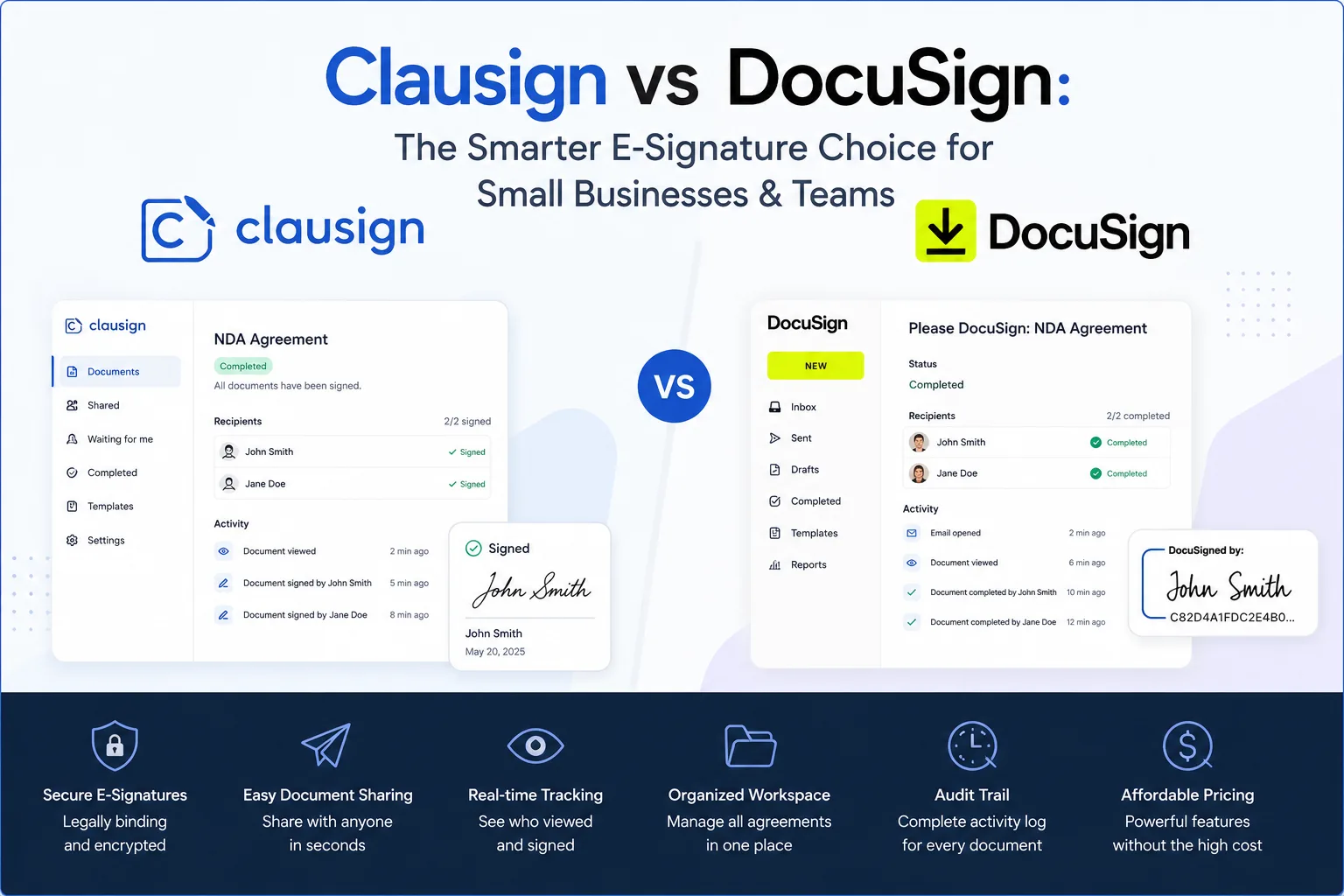
Feature comparison matrix
| Feature | Clausign | Docusign | Why it matters |
|---|---|---|---|
| Pricing model | Flat $10/user/month, unlimited envelopes | Per-user plans with envelope limits (e.g., $25/user/month for 5 envelopes) | No surprise overage fees when you send more than expected. |
| Envelope limits | Unlimited | 5 per month on mid-tier plan; higher tiers cost more | You never have to upgrade just because you hit a cap. |
| Audit trail | Full audit trail on every document | Audit trail available on higher-tier plans | Compliance-ready records without paying extra. |
| Templates | Unlimited templates on all plans | Template library limited on lower tiers | Reuse contracts without re-creating them. |
| Free plan | Free plan with 3 envelopes/month | Free trial only; no permanent free tier | Test Clausign indefinitely without commitment. |
| Integrations | Google Drive, Dropbox, Slack, Zapier | Salesforce, Microsoft 365, and 400+ others | If you rely on enterprise CRMs, Docusign's ecosystem is broader. |
| Mobile apps | iOS and Android apps for signing on the go | iOS and Android apps with advanced features | Both offer mobile signing; Clausign keeps it simple. |
Why Buyers Actually Switch: The Real Reasons
When comparing DocuSign with Clausign, the right choice depends on how much you need from your signing platform. For freelancers, contractors, and small businesses, Clausign stands out with a simpler pricing structure and a workflow that combines signing, secure sharing, document tracking, and audit records.
Here are some practical reasons buyers may consider Clausign:
More flexible pricing for smaller users. Clausign has a free Explorer plan, an $8 lifetime Founder plan, a $29/month Teams plan, and a $79/month Scale plan. This gives smaller businesses several ways to start without committing to a large per-user subscription.
No envelope limits on paid plans. Clausign's platform states that paid plans do not use traditional envelope limits, while DocuSign's Personal plan includes 5 envelopes per month and Standard and Business Pro plans include 100 envelopes per user per year.
A permanent free option. Clausign's Explorer plan is free forever and includes basic secure sharing and document activity features.
Signing and tracking in one workflow. Clausign lets users send documents, monitor whether they were opened, collect signatures, and keep the signed PDF and audit record together.
Built for smaller teams. Clausign focuses on solo owners and small businesses that want signing, secure sharing, client folders, and document tracking without adopting a broader enterprise agreement platform.
Deep Dive: Envelope Limits and Pricing
DocuSign's eSignature plans use envelope allowances. Its Personal plan includes 5 envelopes per month, while Standard and Business Pro include up to 100 envelopes per user per year under annual plans. Additional envelopes can be charged on a pay-as-you-go basis when usage exceeds the plan allowance.
Clausign takes a different approach. Its paid plans do not use traditional envelope limits. The current Founder plan costs $8 as a lifetime payment, while Teams costs $29/month and Scale costs $79/month.
For a small business that sends agreements regularly, this difference can make Clausign's pricing easier to understand because document volume does not require monitoring a standard envelope allowance on paid plans.
Why Envelope Limits Can Matter to Growing Teams
Envelope allowances are not necessarily a problem for every business. Someone sending only a few agreements each month may never reach the limit.
The difference becomes more noticeable when signing volume increases. A business sending contracts regularly may need to monitor its DocuSign allowance, purchase additional envelopes, or move to a different plan. Clausign's paid plans remove that particular limitation, allowing users to focus on their document workflow instead.
Deep Dive: Audit Trails and Document Evidence
An audit trail provides a record of activity associated with an electronic signing process.
Clausign records signing information including the timestamp, IP address, and device, with a SHA-256 hash stored with the completed PDF. This gives users a documented record of how and when a signing transaction took place.
DocuSign also provides real-time audit trails as part of its eSignature offering. So the difference is not that one platform has audit trails while the other does not. Both provide signing records; the more relevant question is how those records fit into the wider document workflow.
Document Tracking
Both platforms provide visibility into signing activity.
Clausign keeps tracking straightforward by showing statuses such as sent, opened, and completed, while keeping the signed document and audit record in the same workspace.
DocuSign provides signing notifications, reminders, audit trails, and broader agreement-management capabilities. Its larger ecosystem can be useful for organizations with more complex workflows.
Deep Dive: Templates and Reusability
Templates are useful when the same type of agreement is sent repeatedly.
Clausign supports reusable agreements and templates as part of its signing workflow, allowing users to prepare documents such as NDAs, retainers, and statements of work before sending them to clients.
DocuSign also provides reusable templates across its eSignature plans. Its templates can help teams standardize frequently used agreements and reduce repetitive setup.
For most users, the important consideration is less about whether templates exist and more about how easily they fit into the rest of the signing workflow.
Who This Is Actually For
Freelancers and Solopreneurs
Freelancers who regularly send contracts, NDAs, proposals, or other agreements may find Clausign appealing because they can start with the free Explorer plan or choose the $8 lifetime Founder option.
Small Businesses with Regular Signing Needs
Small businesses that send agreements frequently may benefit from Clausign's paid plans without traditional envelope limits. This can make costs easier to plan as document activity increases.
Teams That Need Simple Collaboration
Clausign's Teams plan includes up to five team members, deal rooms, recipient permissions, NDA gates, Q&A, and audit packet exports. This makes it more relevant to small teams that need more than basic signing but do not necessarily require a large enterprise agreement system.
Migration Walkthrough: Switching from DocuSign
Switching platforms is easier when you move gradually rather than changing every workflow at once.
Review your current documents. Identify the contracts, NDAs, proposals, and other agreements you send most often.
Export important records. Keep copies of completed agreements and other records you may need before changing platforms.
Create your Clausign account. Start with Explorer or choose Founder, Teams, or Scale based on your requirements.
Prepare your frequently used documents. Upload your agreements and add the required signing fields.
Send a test document. Run a non-critical agreement through the complete signing process before moving regular workflows.
Move recurring agreements gradually. Once the process works for your team, begin using Clausign for your regular signing activity.
Keep your historical records. Existing signed agreements can remain archived separately while new agreements are handled through Clausign.
The goal is not simply to replace one signing tool with another. It is to make sure the new workflow covers the activities your business actually needs.
Conclusion: Is Clausign Worth Considering?
Clausign is particularly worth considering for freelancers, contractors, small businesses, and small teams that want electronic signatures, secure document sharing, tracking, and audit records in one workspace.
Its pricing also gives smaller users several entry points: Explorer is free forever, Founder is $8 lifetime, Teams is $29/month, and Scale is $79/month.
DocuSign remains a strong option for businesses that need its broader integration ecosystem and more extensive agreement-management capabilities. Its current U.S. eSignature plans include Personal at $11/month, Standard at $30/user/month, and Business Pro at $45/user/month under annual billing.
For a smaller business that primarily needs to send, sign, track, share, and organize agreements, Clausign offers a simpler alternative worth evaluating.
Pricing breakdown
| Plan | Clausign | Docusign |
|---|---|---|
| Individual (1 user) | $8 — One-time (lifetime) — Founder Plan | $10/m — Personal Plan — 5 envelopes/month |
| Small Team (5 users) | $29/m — Teams Plan — Up to 5 users | $25/user/m — Standard Plan — 100 envelopes/user/year |
| Annual (Est.) | $348/yr — Billed annually — Teams Plan (5 users) | $300/user/yr — Billed annually — Standard Plan — 100 envelopes/user/year |
Illustrative pricing — verify current figures before relying on this.
Ready to try Clausign?
Visit clausign.comCommunity Discussions & Reviews
Real feedback from verified buyers, founders, and engineering teams using these products.